Top navigation
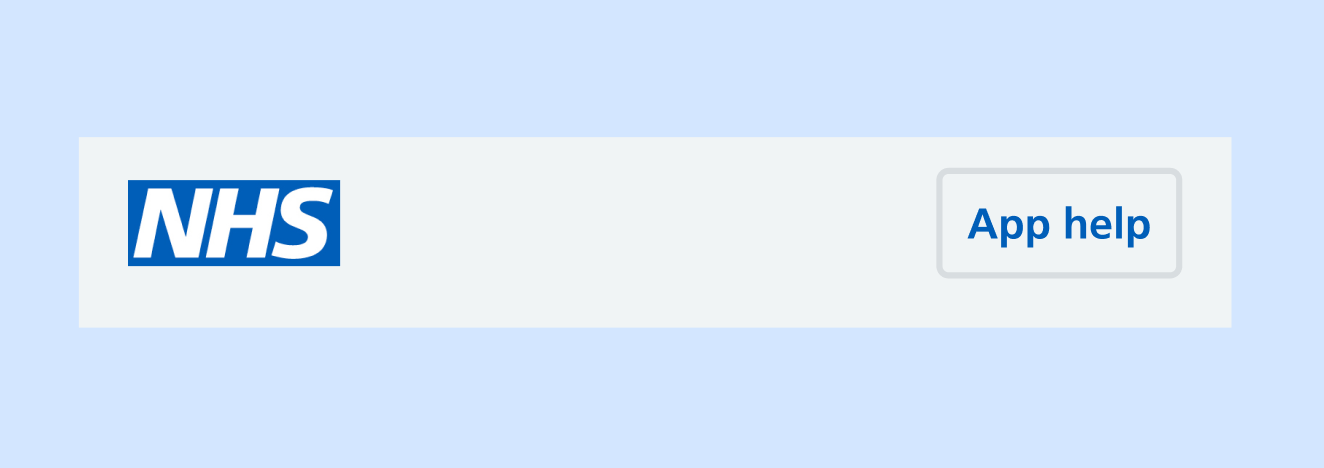
Use the top navigation to show the NHS logo and let users access help from anywhere in the app.
When to use
The top navigation is visible at the top almost every screen within the main app journey. The exception is when external pages open in a web browser overlay.
The top navigation remains fixed in position as users scroll.
When not to use
On the web browser version of the NHS App, we use an NHS.UK header with text links, instead of the top navigation with icons.
How to use
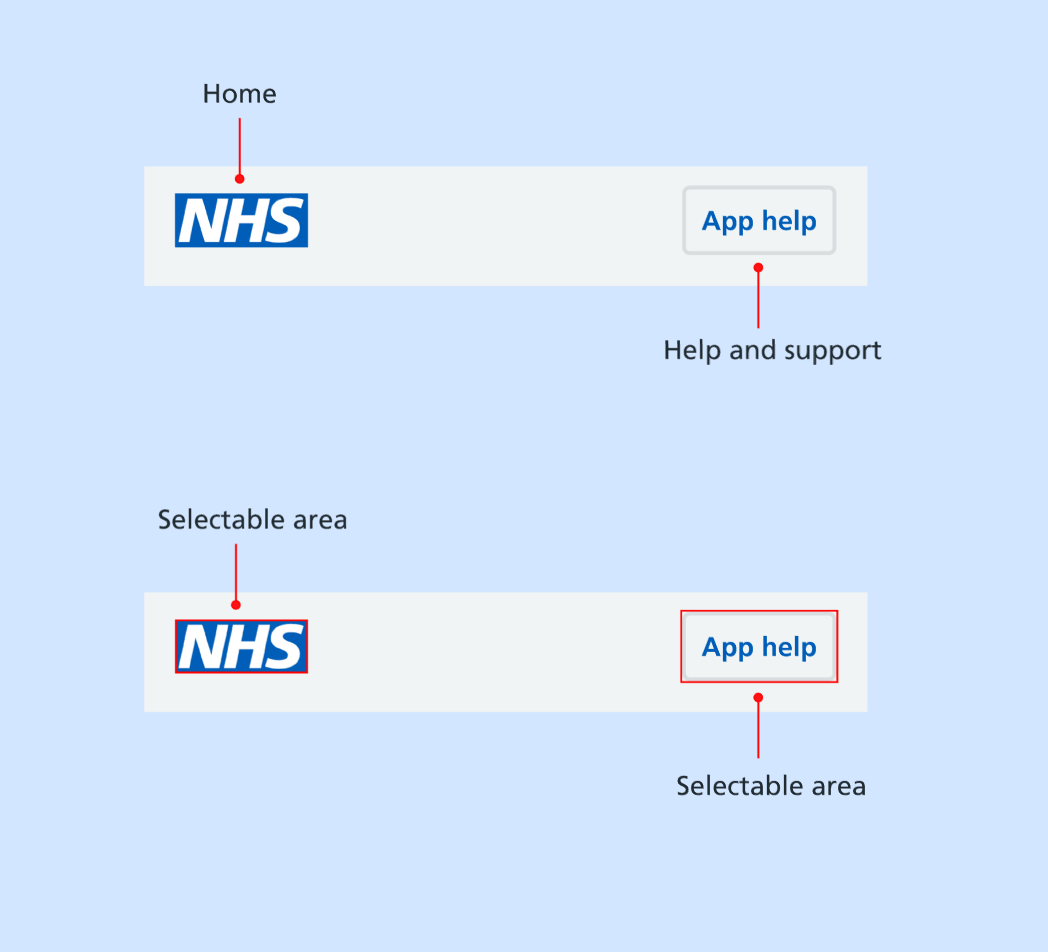
The top navigation includes:
- the NHS logo, which users can select to return to the home screen of the NHS App
- the App help button, which users can select to get help while using the NHS App
Research
In our research, people recognised the meaning of the icons without the need for text labels.
Help improve this component
The NHS App design system team would like to hear:
- how you have used this component in your service
- any feedback you have about its usage, for example accessibility or ideas for improvement
Add these comments to the 'Top navigation' discussion on GitHub.